Schedule the work. Get paid. Keep the books.
OwnLane handles booking, invoicing, receipts, mileage, and the year-end tax worksheet for owner-run businesses: lawn crews, salons, bakeries, HVAC shops, feed stores. It runs on the phone in your pocket and the computer at the counter.
The demo is a working account with a year of sample data.

Estimate accepted
Walnut bench, Hollis residence
$1,240.00, deposit invoice sent
Built to be used between jobs
Most of the business happens away from a desk: on a ladder, behind the chair, at the bench. OwnLane is laid out for a thumb and a few spare minutes, and everything you do on the phone is waiting on the computer when you sit down.
Any phone or computer
It runs in the browser. Nothing to install, and the same account opens wherever you sign in.
Your calendar, kept in step
Jobs and bookings show up in Google or Apple Calendar on your phone.
Your numbers stay yours
Download the year as a PDF or spreadsheet any time. Card payments go straight to your own Stripe account.
One account for the whole business
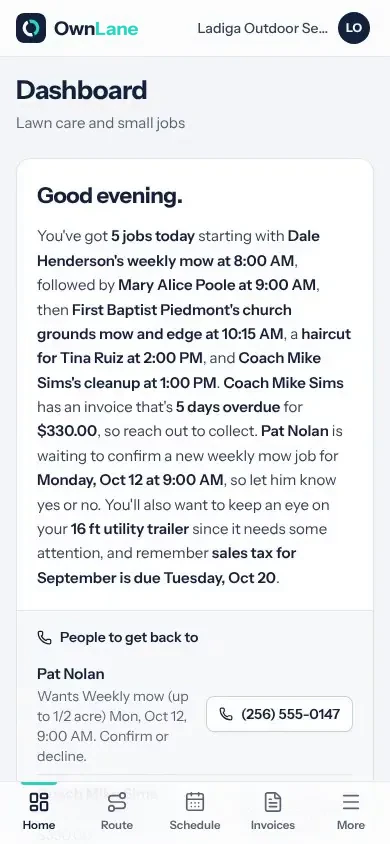
Each part works on its own and feeds the rest. A confirmed booking becomes a job, the job becomes an invoice, and the payment lands in the books without being typed twice.
Scheduling and booking
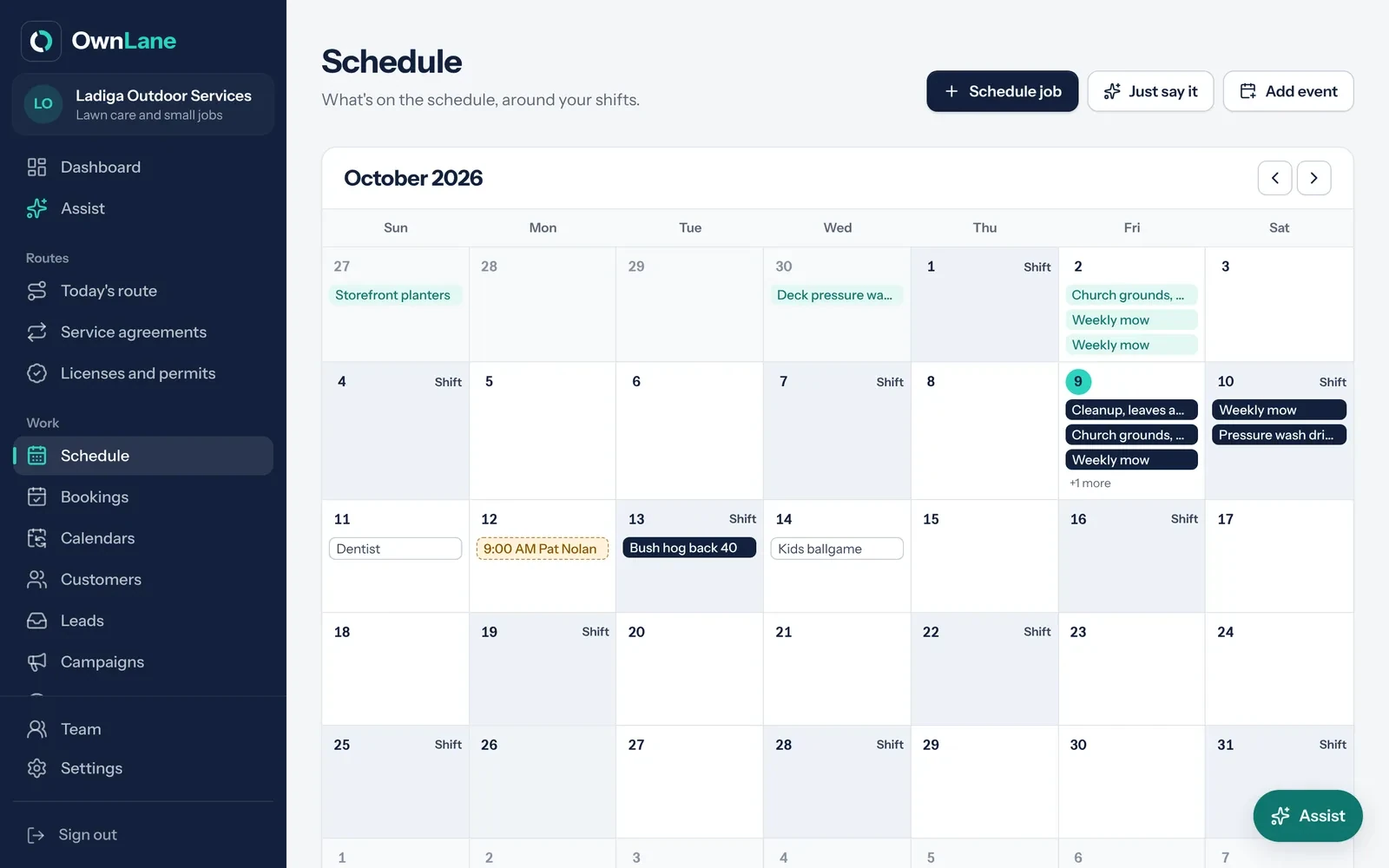
A booking page with your services and hours. Requests wait for your yes, and confirmed work goes on the calendar and the day's route.
Estimates and invoices
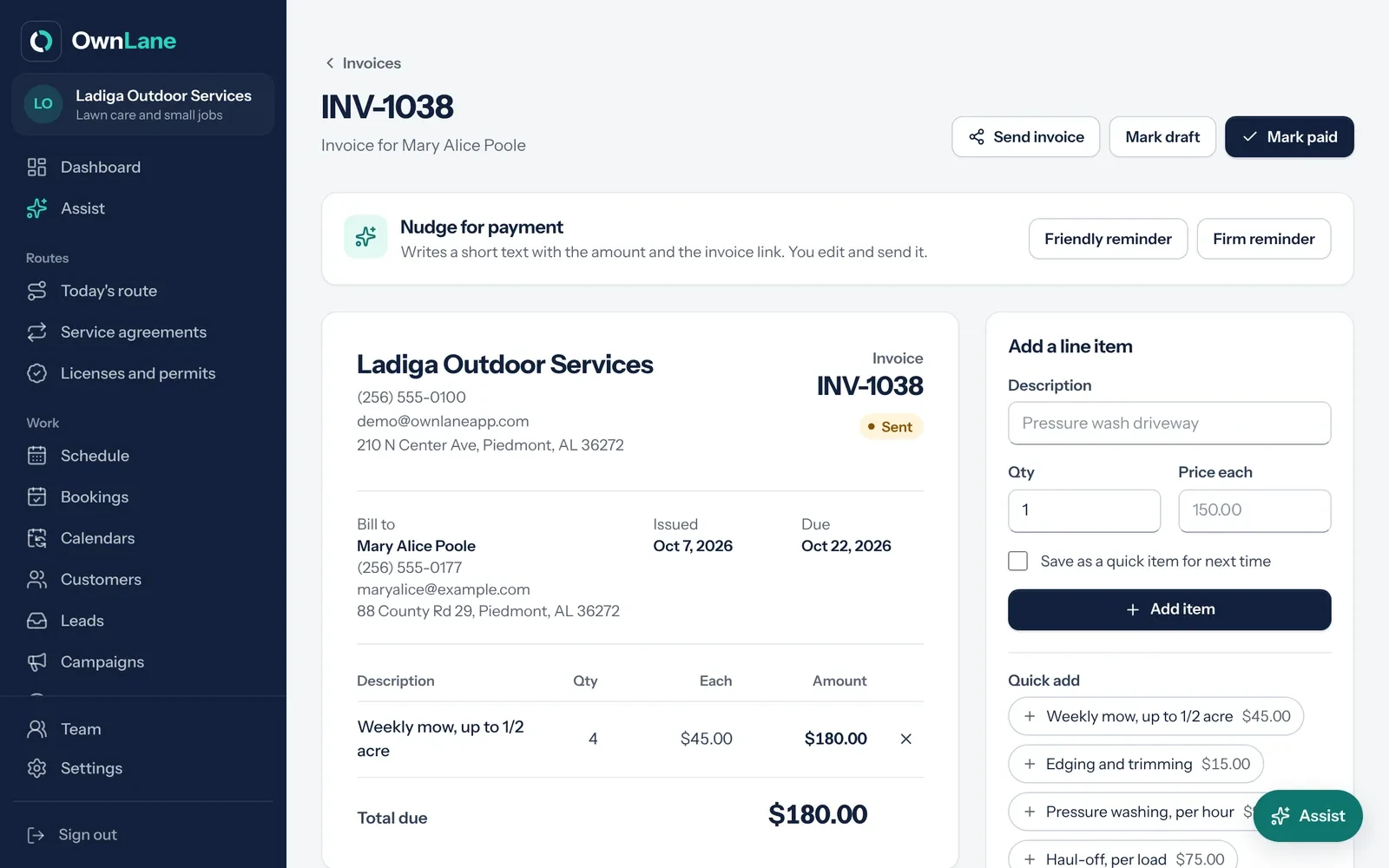
Turn an estimate into an invoice in one step. Customers pay by card from a link, and overdue invoices come up in the morning brief.
Expenses and mileage
Photograph a receipt and it is read for you. Trips are suggested from your schedule, so the mileage log fills itself in.
Taxes and reports
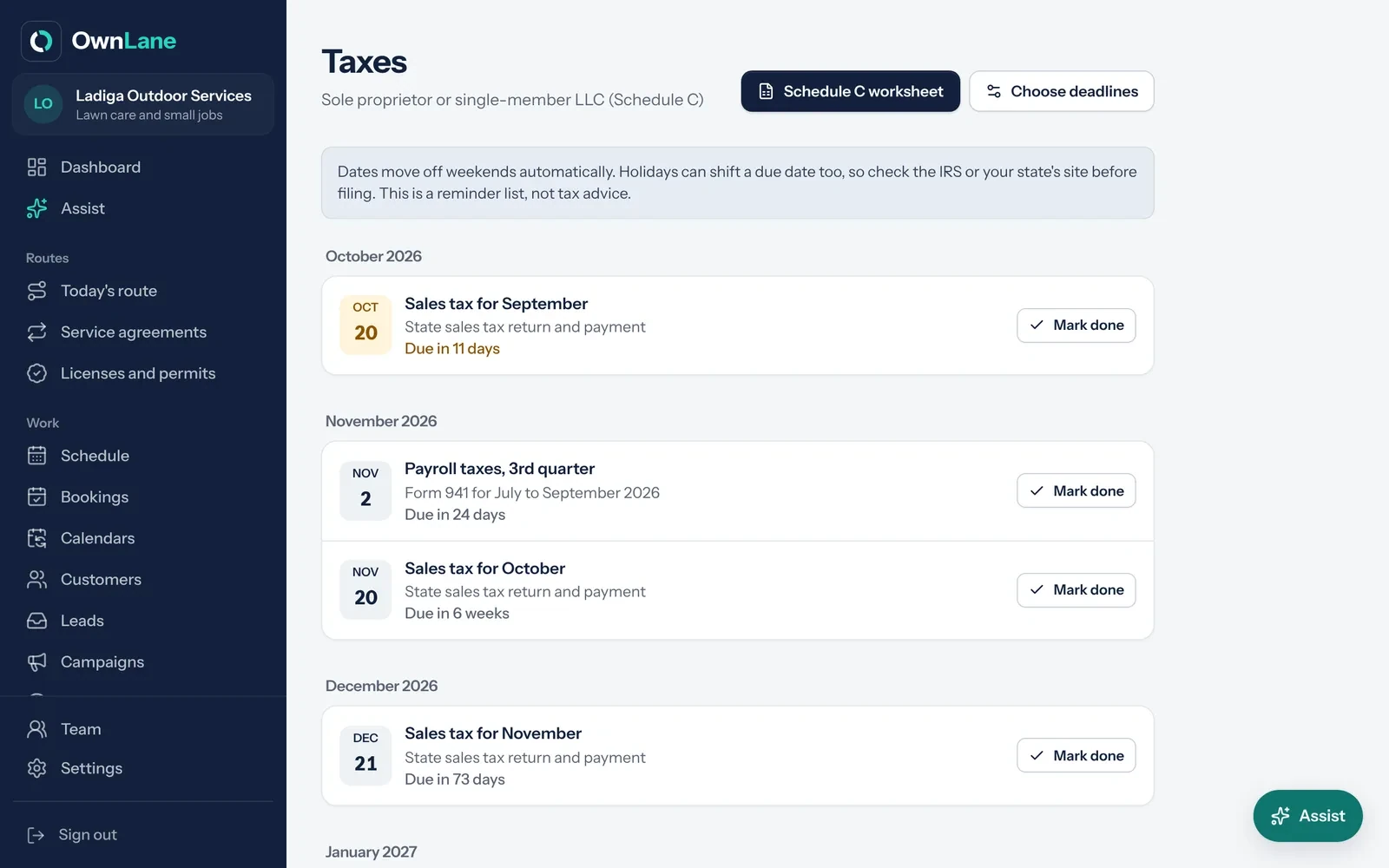
Every dollar lands on its Schedule C line. Sales tax and license dates come up before they are due, and the year downloads as one PDF.
Customers and email
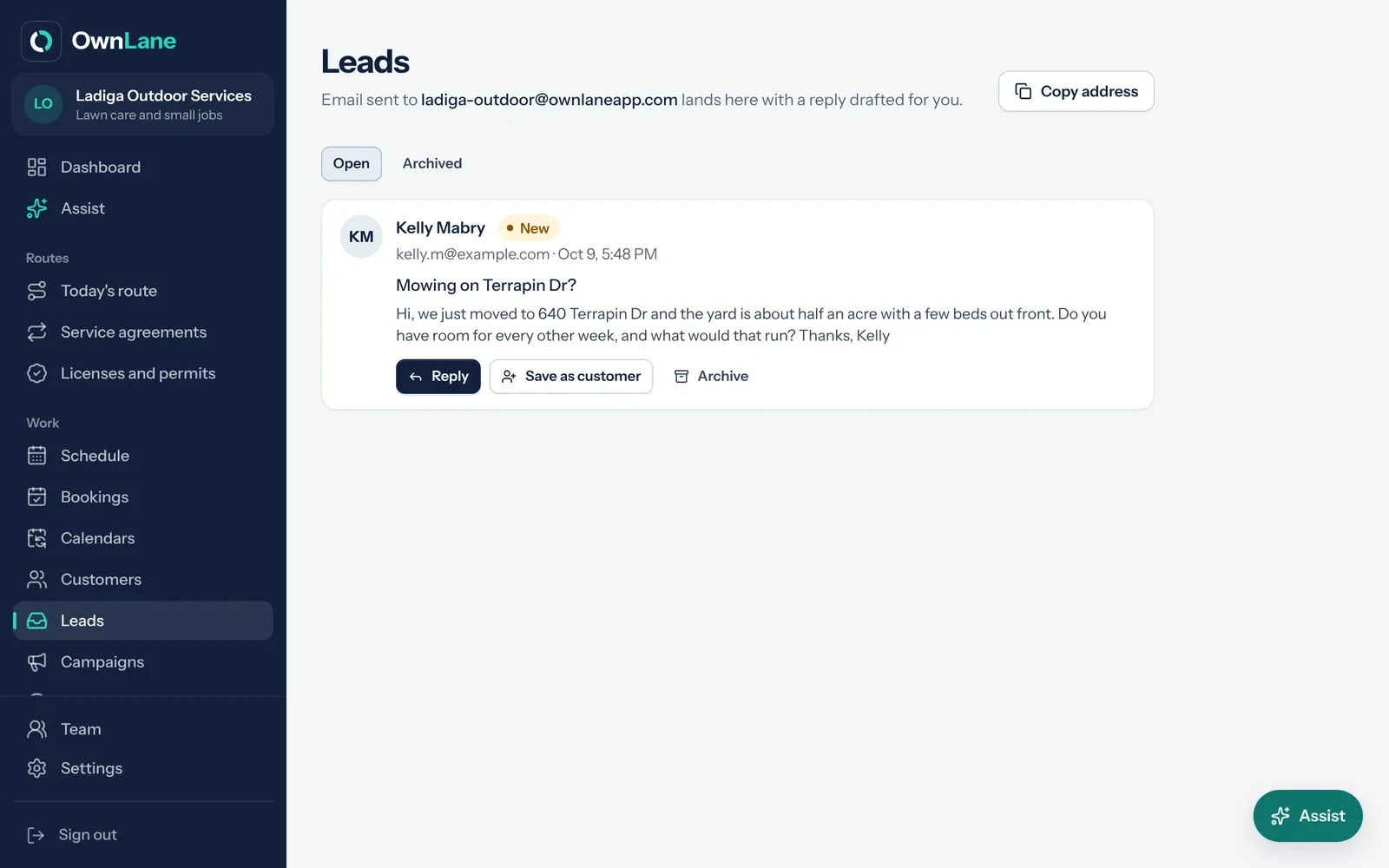
Each customer's jobs, invoices, and notes in one record. Email them from it, or send a newsletter to everyone who opted in.
Team and time clock
Add the people who work for you, choose what each one can see, and let them clock in and out from their own phones.
Set up for how your business works
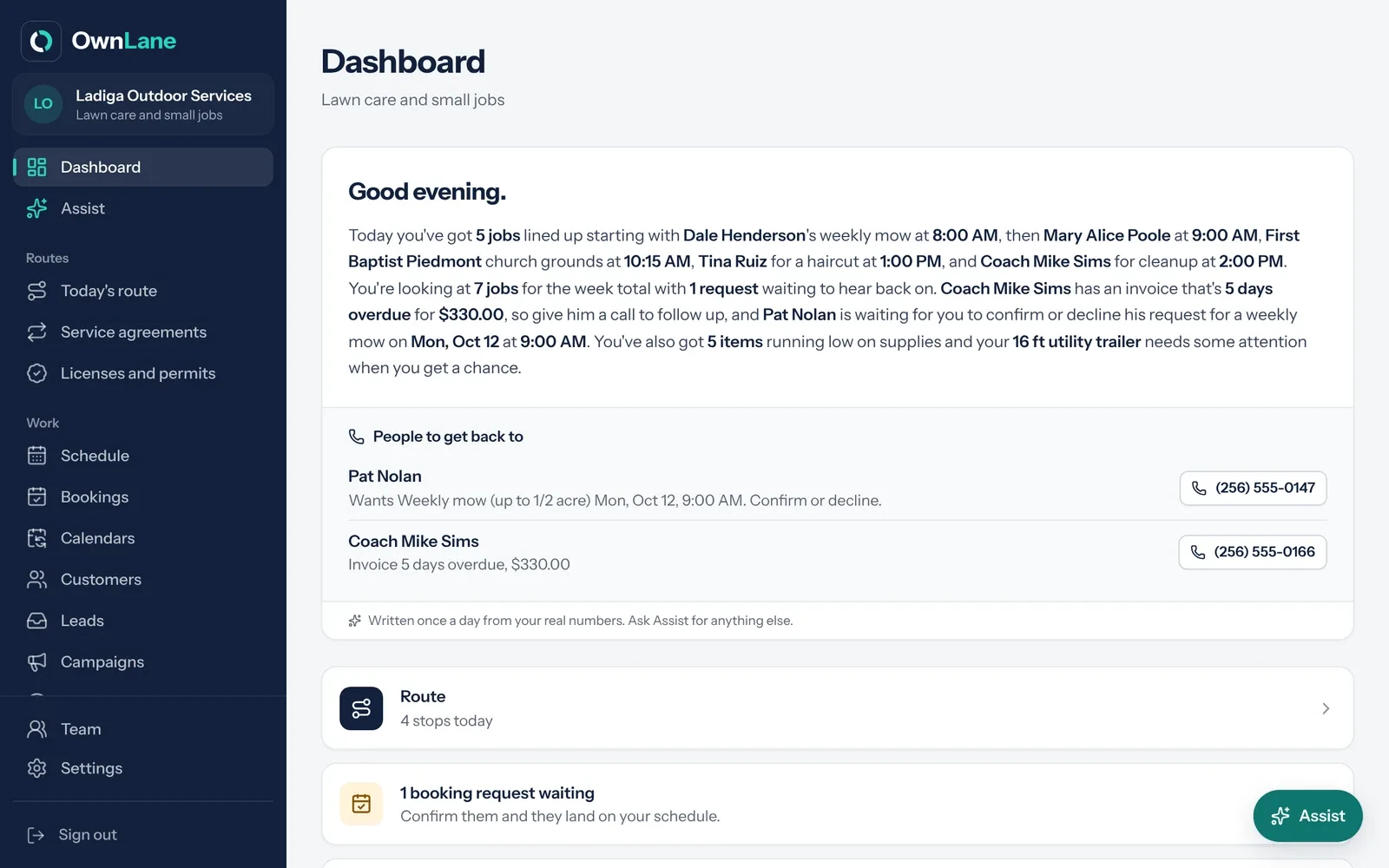
Pick the kind of business at sign-up. It adds the pages that kind needs and uses its words for the shared ones: appointments or jobs, routes or orders, ingredients or parts. You can change it later.
- Appointments
- Salons, barbers, nails, massage, trainers, groomers, tutors
- Routes
- Lawn care, pools, pest control, cleaning, pet sitting
- Projects and trades
- Contractors, HVAC, plumbing, electrical, auto repair, handyman
- Retail and inventory
- Shops, feed and hardware stores, boutiques, resale
- Food and orders
- Bakeries, food trucks, caterers, cottage food
- Rentals
- Equipment, party, and boat rentals, venues, RV parks
- Events and creative
- Photographers, DJs, planners, florists, videographers
- Farm
- Cattle, goats, hay, row crops, produce
- Hauling
- Owner-operators, hotshot, couriers, moving
- General
- A little of everything, or not listed here


Look around a working account
The demo has a year of invoices, receipts, mileage, jobs, and inventory already in it. Switch the business type to see how yours would look. Nothing you change there reaches a real customer.